
App overview
| Platform | 1xBet Bhutan |
|---|---|
| Android | APK from the official download page |
| iPhone and iPad | Home Screen shortcut in Safari |
| Windows | Check the download page for the installer |
| Account currency | Bhutanese ngultrum (BTN) |
| Age requirement | 18+ |
What the 1xBet App Looks Like
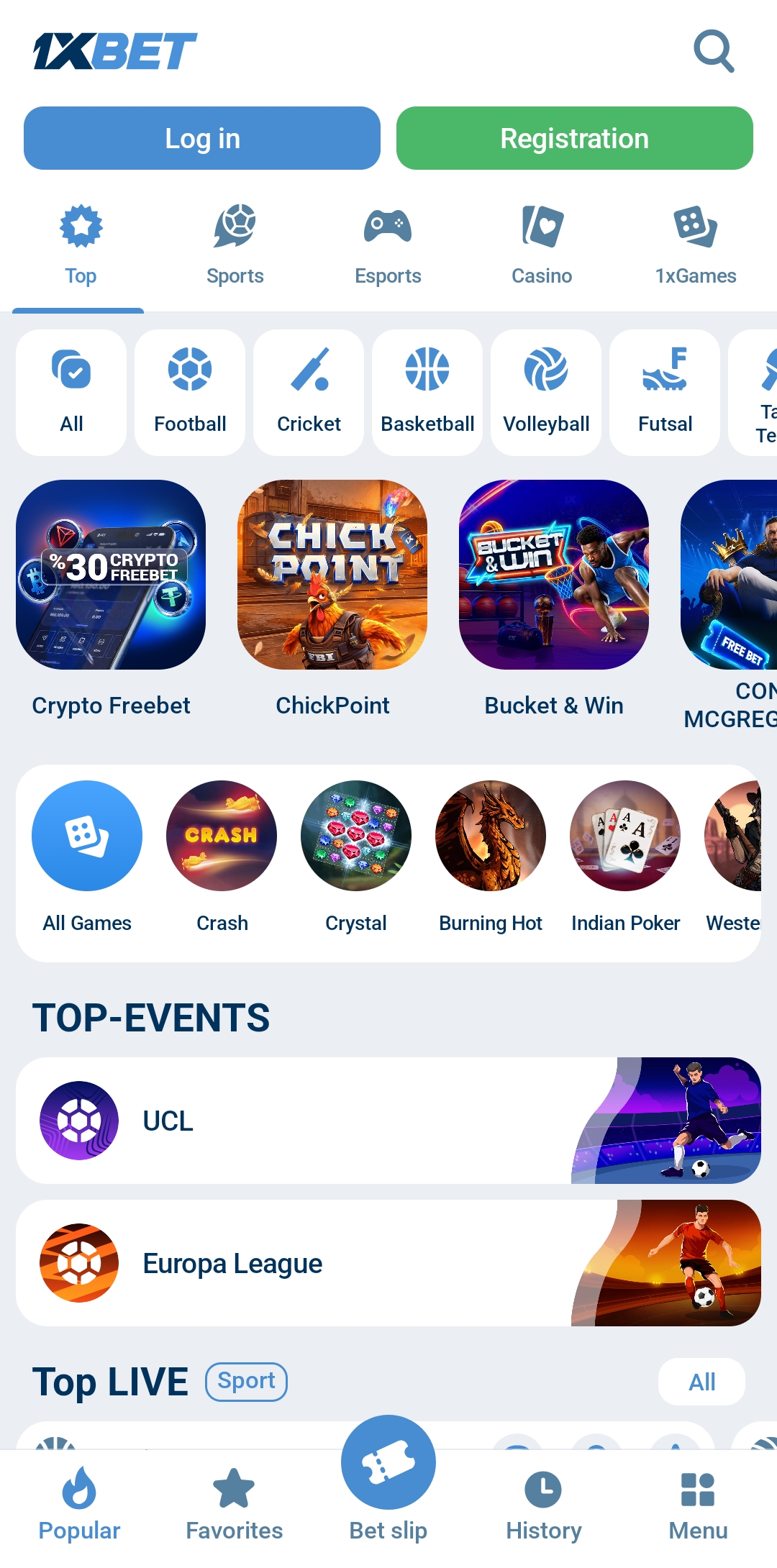
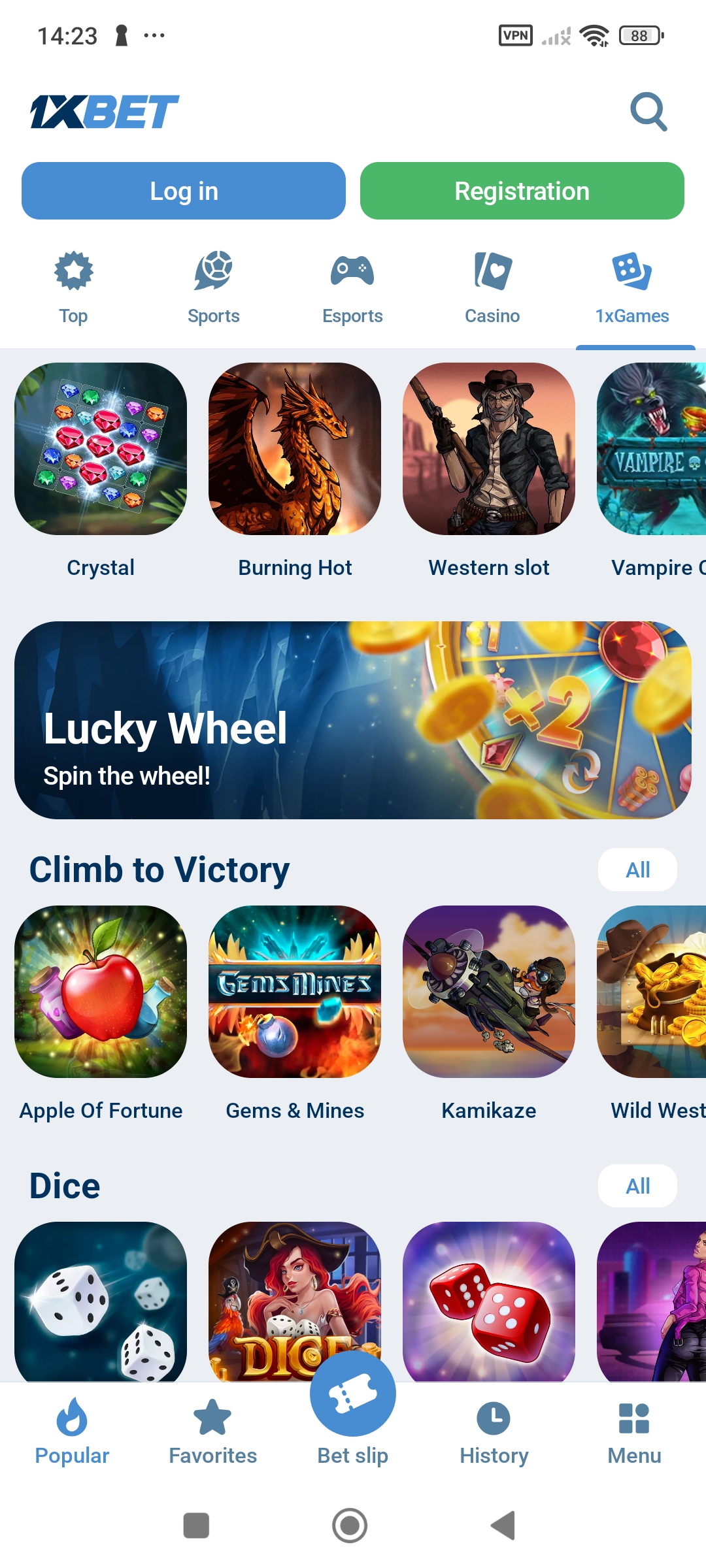
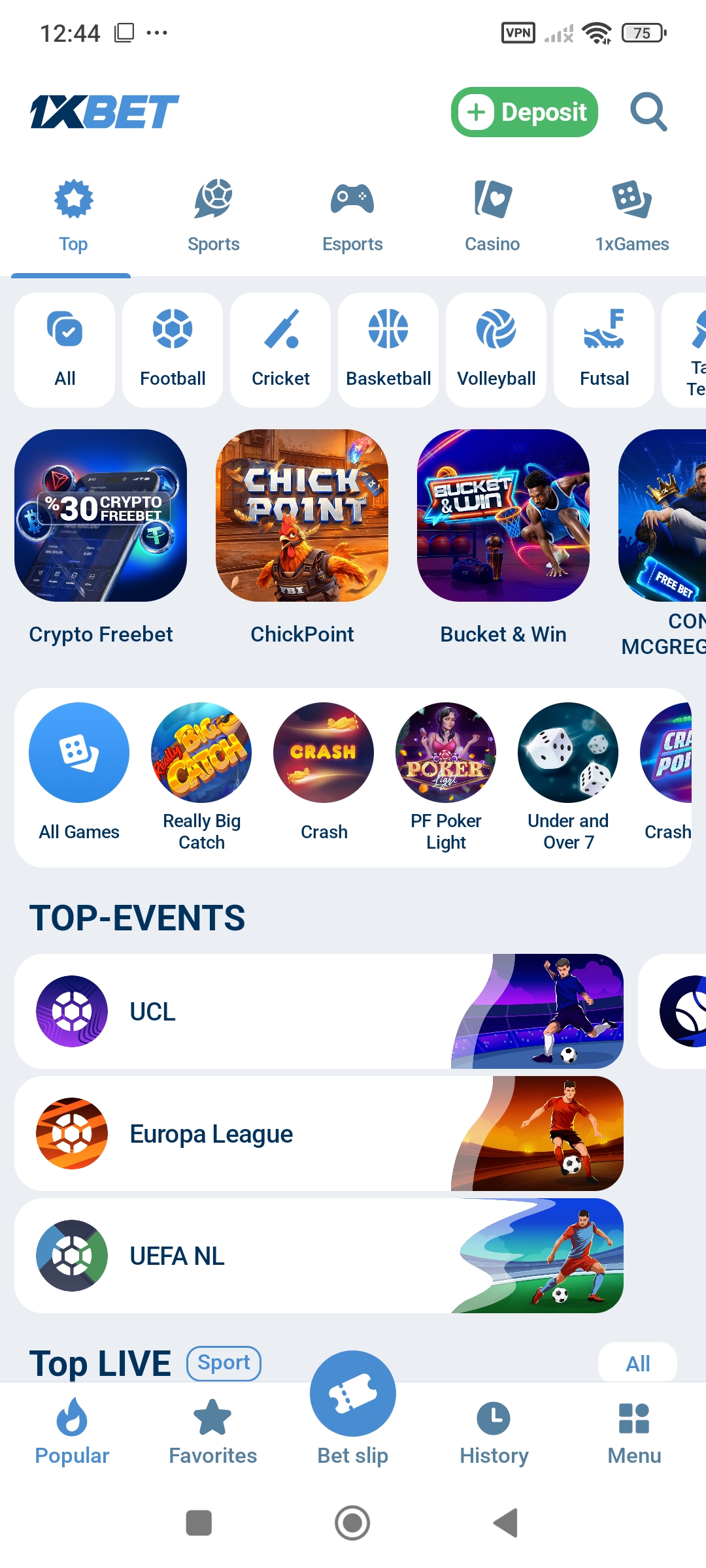
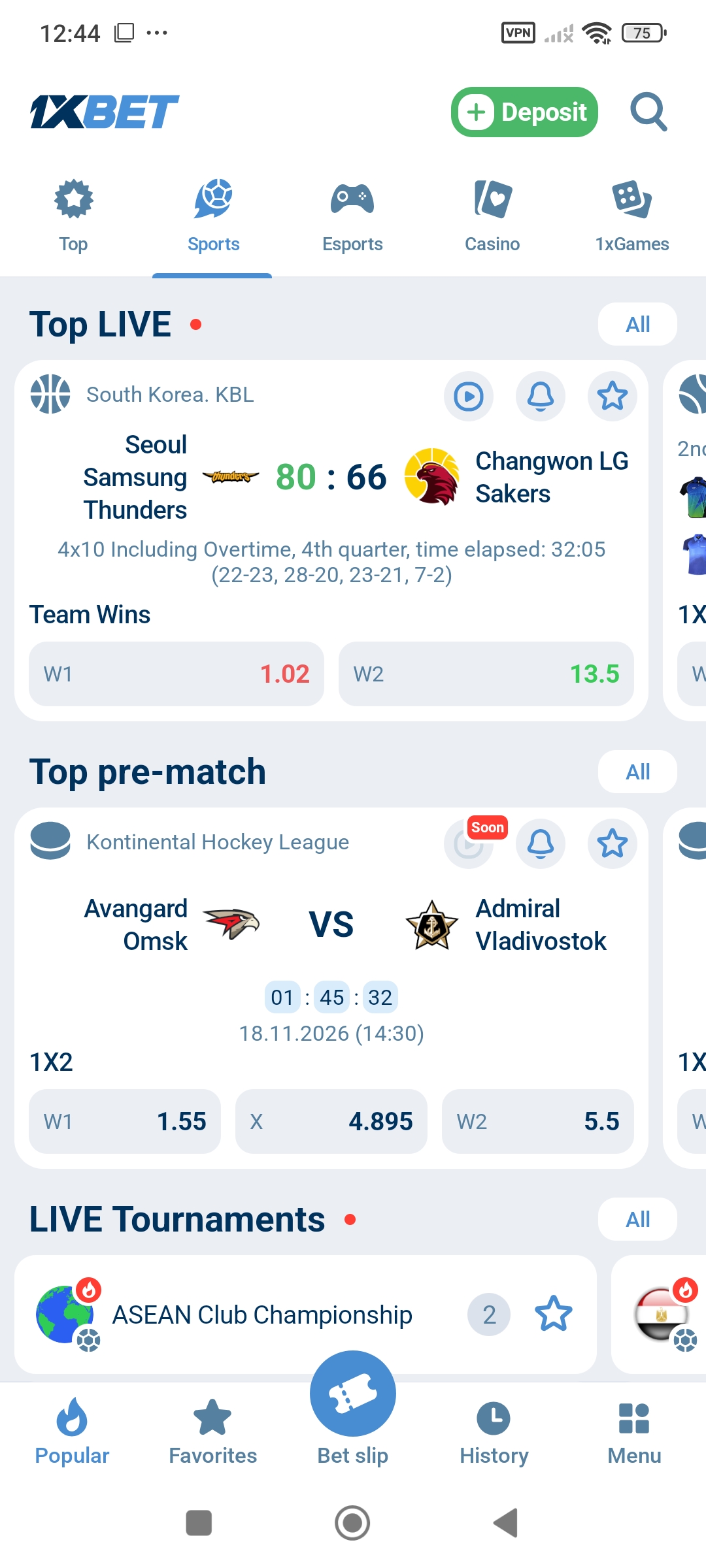
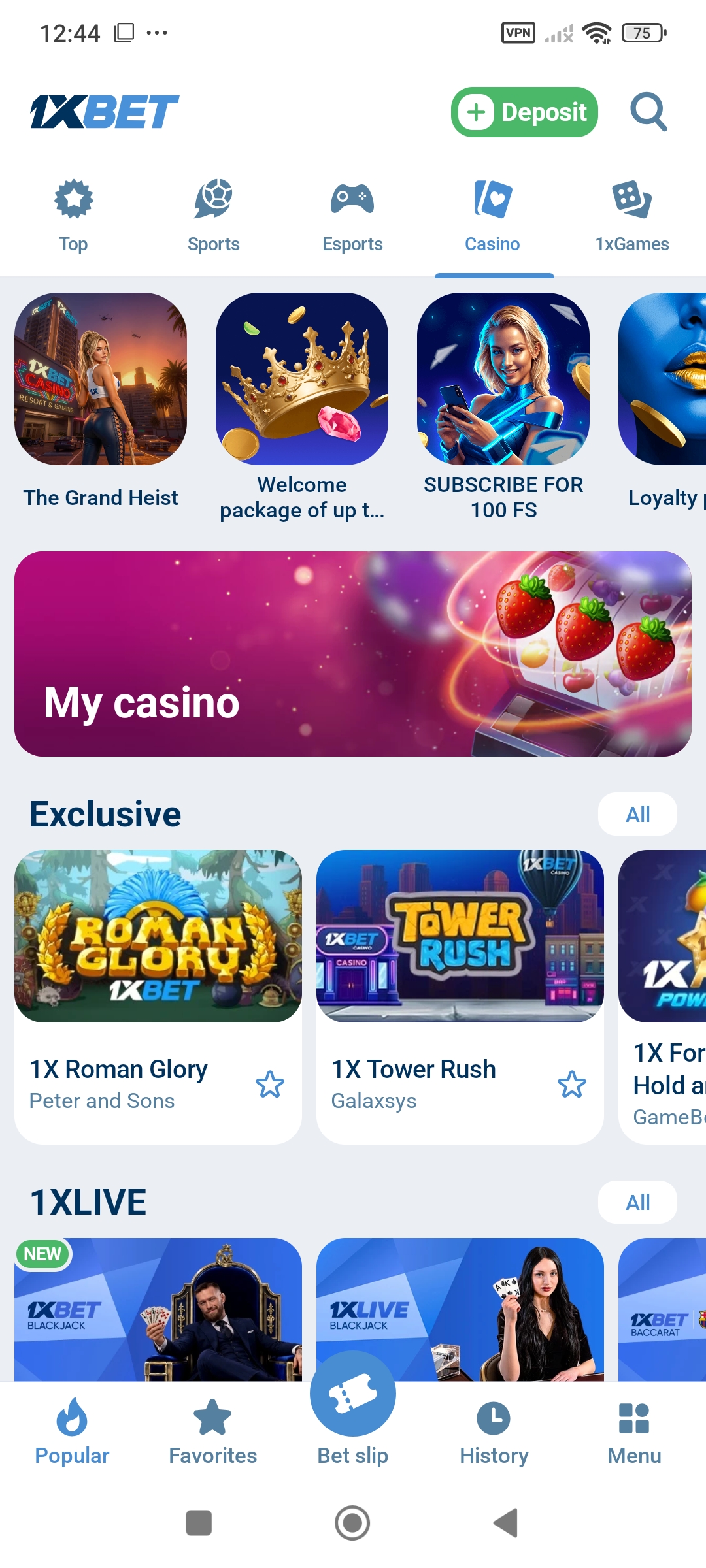
The three illustrations below show the main sections of the 1xBet app: the home screen with the welcome offer and top sports, live betting, and the casino lobby. The layout on your phone can differ slightly between app versions. To be sure the app is genuine, download the APK only through the official link on this page, never from a file someone sends you in a chat.
Install on Android
Open the official download page on your Android device. Android may ask you to allow installation for the browser or file manager that opens the APK.
- Open siteVisit 1xBet Bhutan on your phone
- Download APKTap the Android emblem
- WaitDirect download — not Play Store
- Install & launchAllow unknown sources, open the file
Add to iPhone or iPad
Use Safari to add a shortcut to the website on your iPhone or iPad. Turn on Open as Web App if Safari offers that option.
- Open SafariVisit 1xBet betting site
- Tap ShareBottom of the screen
- Add to HomeConfirm to finish
Install on Windows
Open the official download page on your PC. If a Windows installer is listed for your location, download it and follow the on-screen steps.
- Open siteVisit 1xBet on PC
- Find Windows iconNear the search bar
- DownloadFile downloads automatically
- LaunchClick the brand's icon
Update the app
- Android: check the official download page for a newer APK and follow the installation prompts.
- iPhone and iPad: the Home Screen shortcut opens the current website.
- Windows: check the official download page for an updated installer.
App features
Language options
Check the app’s language menu for the interface languages available in your version.
Welcome bonus & casino package
See the App bonuses section for the sports first-deposit offer and the casino Welcome Package in Bhutan.
Tournaments
Tournaments may be themed around holidays or specific games, such as slots and table games. Check the app for current events and prize details.
Local payments in BTN
The Bhutan payment guide lists BNB, DK Bank, mBOB and T-Bank. Check availability, currency and any fees in the cashier.
Push notifications
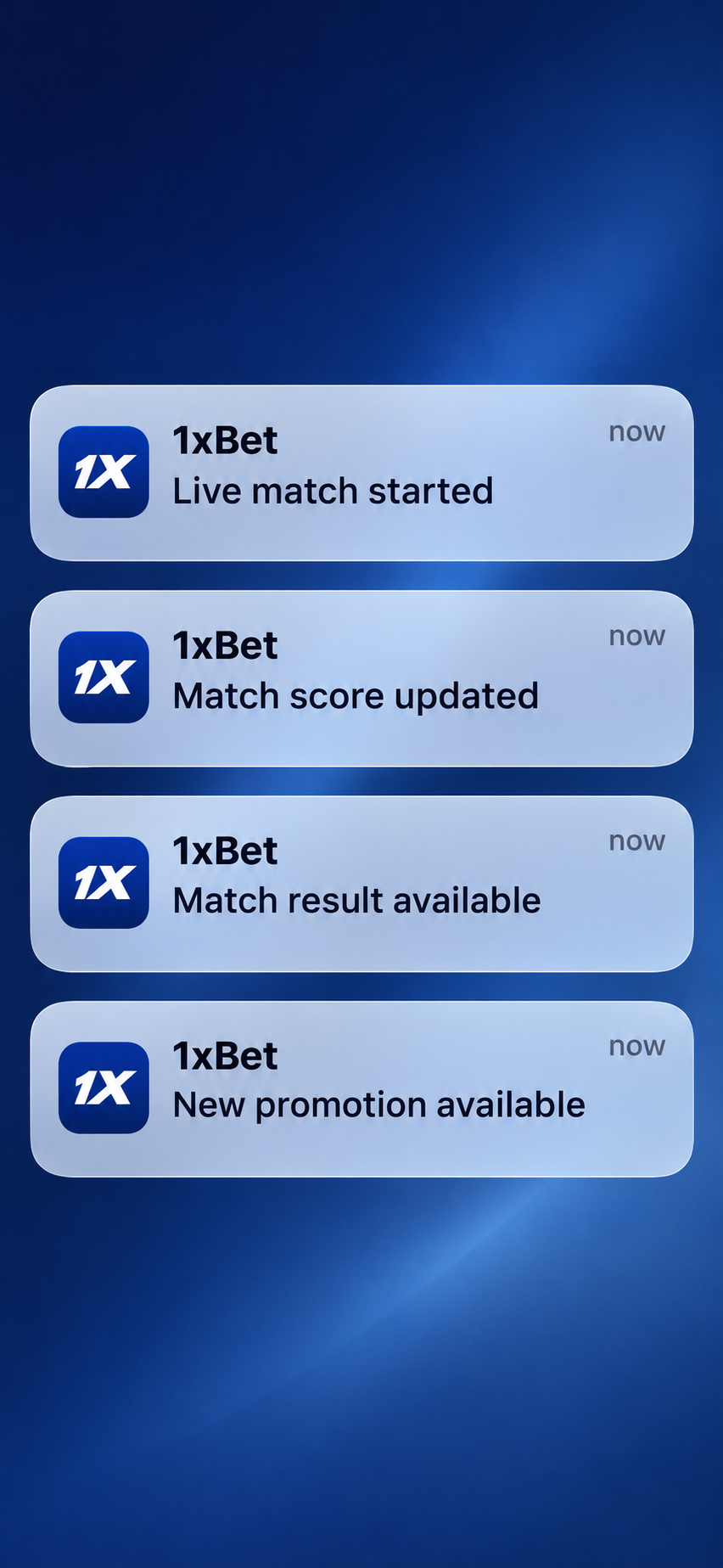
When enabled, app notifications can keep you up to date with match updates, results and promotional offers.
Cryptocurrency support
Check the cashier for the cryptocurrencies and networks available for deposits and withdrawals on your account.

Casino games
Browse by game type. The guide covers games such as Lucky Jet, JetX, Crazy Time and Sweet Bonanza.
Registration & payments
In the app, tap Registration to get started.
App bonuses
The guide lists a 120% sports first-deposit bonus up to 53,000 BTN and a casino Welcome Package of up to 1,500 USD (150,000 BTN) + 150 Free Spins across the first four qualifying deposits. Check the current terms for eligibility, promo codes and wagering requirements.
Mobile site vs. app
| Option | How to access it |
|---|---|
| Mobile site | Open the website in your browser. |
| Android app | Install the APK and open it from your apps. |
| iPhone or iPad | Open the site from the Home Screen shortcut. |
Installation help
Download interrupted
Remove the incomplete file and retry from the official download page on a stable connection.
APK will not install
Check free storage and any compatibility message. If Android shows a security warning, review it and verify the source before proceeding.
App will not open
Restart the app or try the mobile site. If the problem persists, contact support.
Safari shortcut is missing
Open the website in Safari and add it to your Home Screen again.
Unable to sign in
Check your account details. If you recently reset your password, update any saved credentials.
FAQ
Where can I get the Android APK?
Use the official APK link in the Android section above.
How do I open 1xBet on an iPhone?
Use Safari to open the website or add a Home Screen shortcut.
What currency should I select?
Select Bhutan as your country and Bhutanese ngultrum (BTN) as your currency.
Where are the bonus terms?
See the Bonuses section for the welcome package and a link to the promotion details.